

Available now Bar & restaurant management
BarMS Pro
The whole bar, in one connected system.
Orders, kitchen, stock and cash in one app on the devices you already own. It keeps selling when the internet is down.
- Owner screens
- 28
- Staff roles
- 4
- Days offline grace
- 14
- App-store downloads
- 0
65 s · muted · loads when you press play
Read the film as text
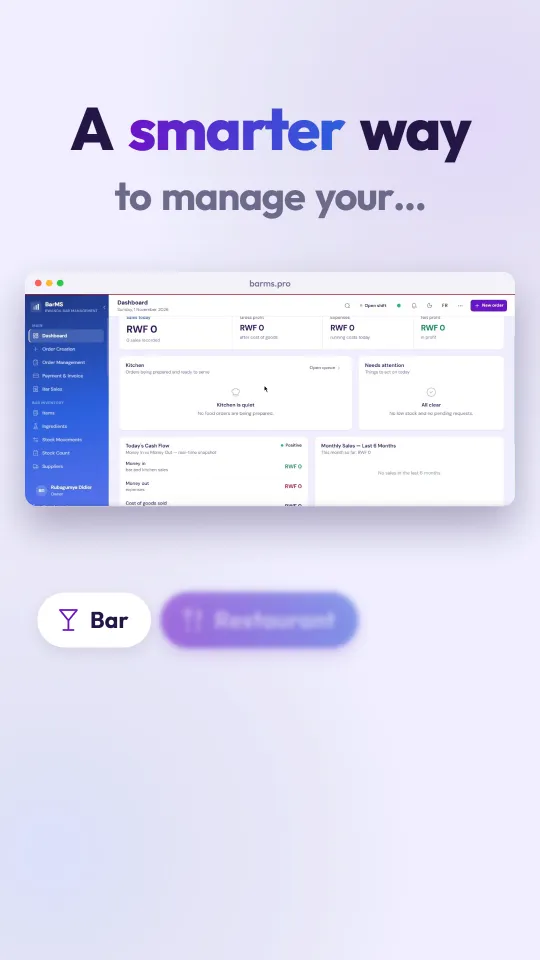
- Running a bar is more than serving drinks. It’s managing every sale, every bottle, every payment, every detail that keeps your business moving.
- Introducing BarMS Pro: a smarter way to manage your bar, restaurant, stock, kitchen and cash.
- Monitor your inventory.
- Keep your kitchen connected. Orders move from new, to preparing, to ready.
- All through one powerful system. Every sale recorded. Every stock movement tracked.
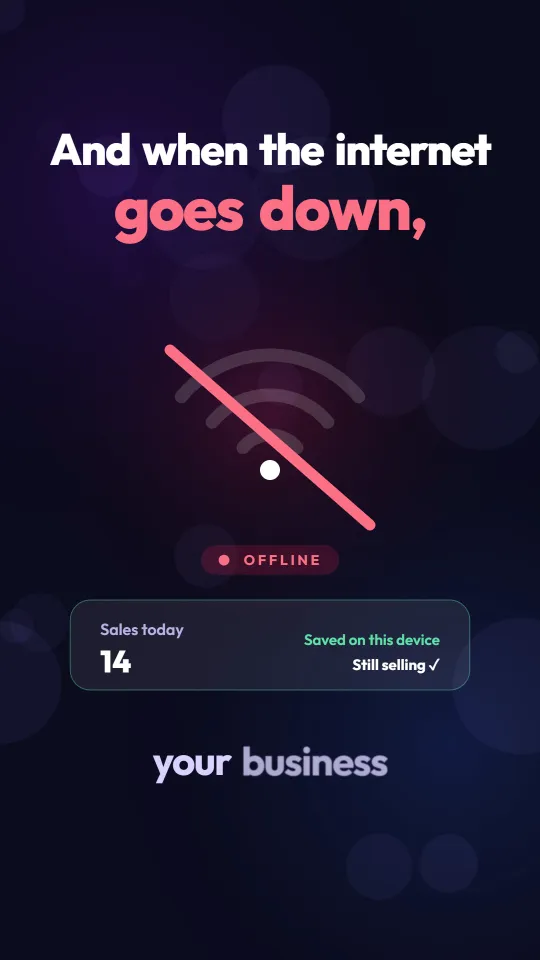
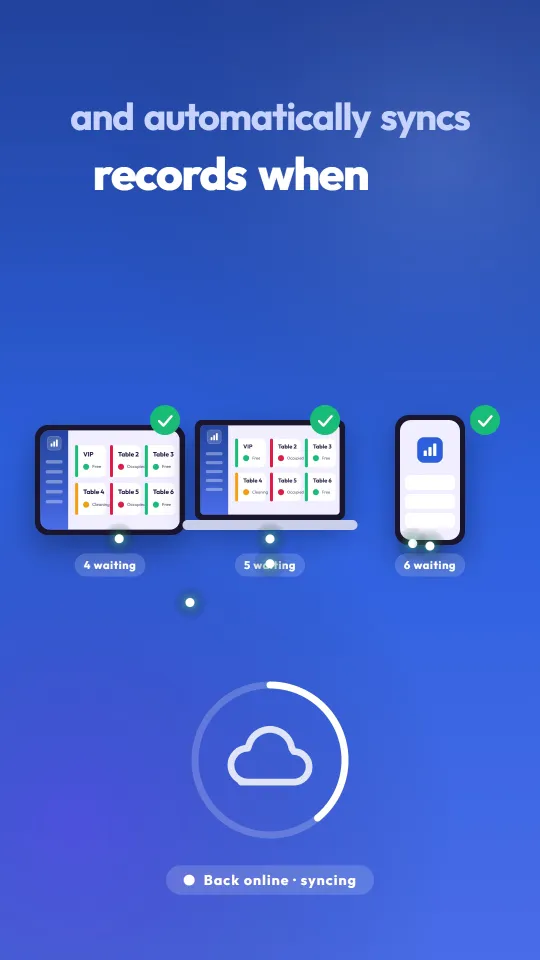
- And when the internet goes down, your business doesn’t have to stop. BarMS Pro keeps approved devices working, and automatically syncs records when the connection returns.
- Whether you’re behind the counter or away from your business, stay connected to what matters most.
- Less guesswork. More control. Better visibility.
- BarMS Pro, Rwanda bar management, by IMS company. Your business under control.
The film has a music soundtrack and on-screen text. Some figures shown in the film are examples.
One connected record
One sale. Everything updated.
Sales
Revenue, payment method, staff member and shift.
Stock
Bottles and recipe ingredients deducted.
Kitchen
Food already sent to the queue.
Cash
Expected drawer total updated.
Audit log
Who, what, when, and on which device.
01 Orders
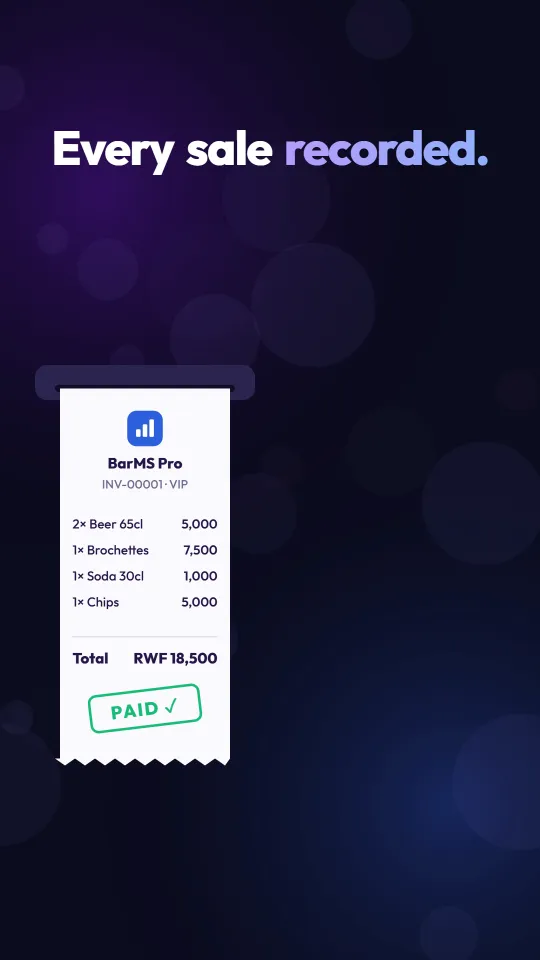
Every sale recorded.
Orders for tables, the counter or open tabs, paid by cash, MoMo or card, with a printed or SMS receipt.
- Open a tab and settle once at the end
- Discounts follow the Owner’s rules
- Wrong sale? A void request with a reason
02 Stock
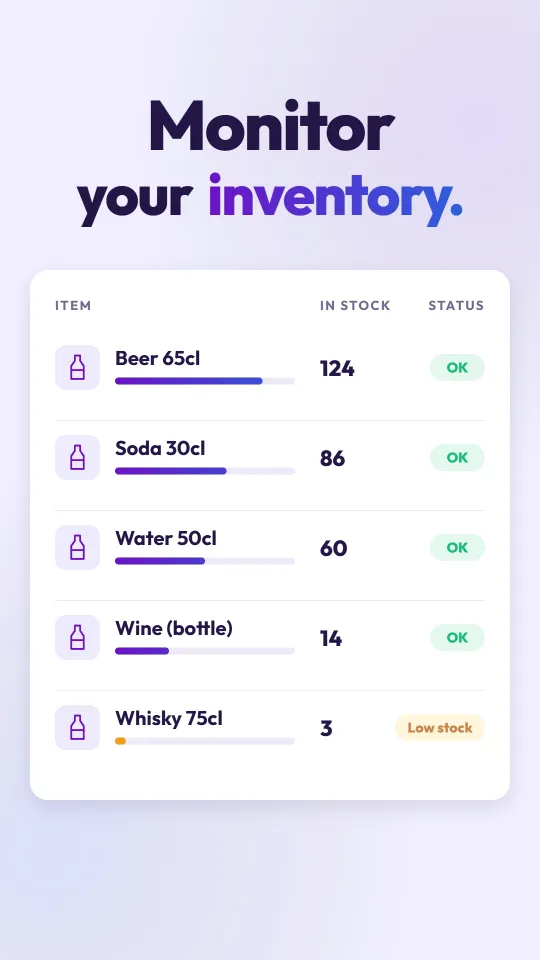
Every bottle accounted for.
Each sale reduces stock, recipes deduct their ingredients, and crates convert into single bottles.
- Low-stock alerts before a busy night
- Weekly counts show each difference
- Supplier purchases: paid and owed
03 Kitchen
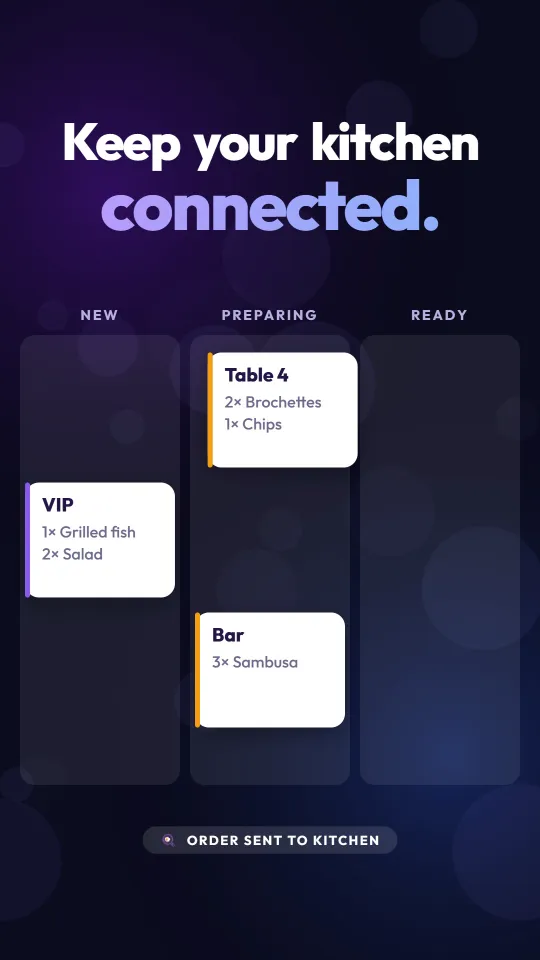
The kitchen is connected.
Food orders appear on a live kitchen screen as they are taken, in order of arrival.
- New, preparing, ready
- Recipes deduct ingredients automatically
- The kitchen screen needs internet
04 Offline
No internet. Still selling.
Approved devices keep taking orders and payments, then upload automatically, oldest first, with no duplicates.
- One main device sells offline, so sellers never clash
- Offline orders are numbered OFF-0001, OFF-0002…
- Up to 14 days without reaching IMS
Try it · a simulation of the behaviour described
Online. Orders are saved to the server as they happen.
05 Control
Mistakes leave a trail.
Each person has their own login and role. Voids and refunds need a reason and an approval, and key actions are recorded.
- Owner, Manager, Bartender and Kitchen roles
- Permissions the Owner switches on for managers
- The server checks every permission on every action
- Wrong saleBartender sends a void request with a reason
- Red badgeOwner sees the pending request
- DecisionApprove or reject
- Audit logRequest and decision recorded
06 Devices
Install from the browser.
No app store. Open the link on any phone, tablet or computer, install it, and sign in.
- IMS approves each device before it reaches your data
- A lost phone can be blocked
- Updates install themselves
Compatibility
What works today, and what does not.
| System or equipment | Status today | Note |
|---|---|---|
| Phones, tablets, computers | Supported | Installed from the browser. |
| Receipt printers | Supported | Optional. Confirm the model with IMS. |
| SMS receipts | Supported | Needs internet. |
| Mobile Money (MoMo) | Recorded | Recorded as a payment method. Not an automatic MoMo link. |
| Card payments | Recorded | Recorded as a payment method. No direct bank processing. |
| RRA EBM | Not yet | Not currently integrated. Works alongside your EBM. |
| Accounting software, hotel PMS | On request | Requires technical assessment and custom work. |
Not included today: hotel property management and room reservations, confirmed multi-branch consolidation, and automatic payment processing through MoMo or card providers. These can be scoped as custom work. See integrations.
Getting started
From first call to first sale.
Many small bars can be selling within a day, depending on setup.
- 01
Register and configure
IMS creates your account, issues the activation key and sets up your business.
- 02
Your data and team
IMS guides setup. You bring items, prices, opening stock, staff and roles.
- 03
Devices and offline
IMS activates each device and configures the main and Owner devices.
- 04
Training and go live
IMS walks through each role and stays with you at launch.
Questions
Quick answers.
No. Use the phones, tablets and computers you already have. A receipt printer is optional; confirm the model with IMS.
No. Approved devices keep selling offline for up to 14 days and sync automatically. SMS receipts and the kitchen screen need internet.
No. Each client’s records are private, and only devices approved by IMS can reach them.
MoMo is recorded as a payment method, with the customer’s phone number. BarMS Pro does not pull payments automatically from MoMo.
Not yet. BarMS Pro works alongside your EBM. Integration is not currently available.
We do not publish prices. Request a quotation and we will prepare one for your business.